ARBoost logo
Furniture showcase

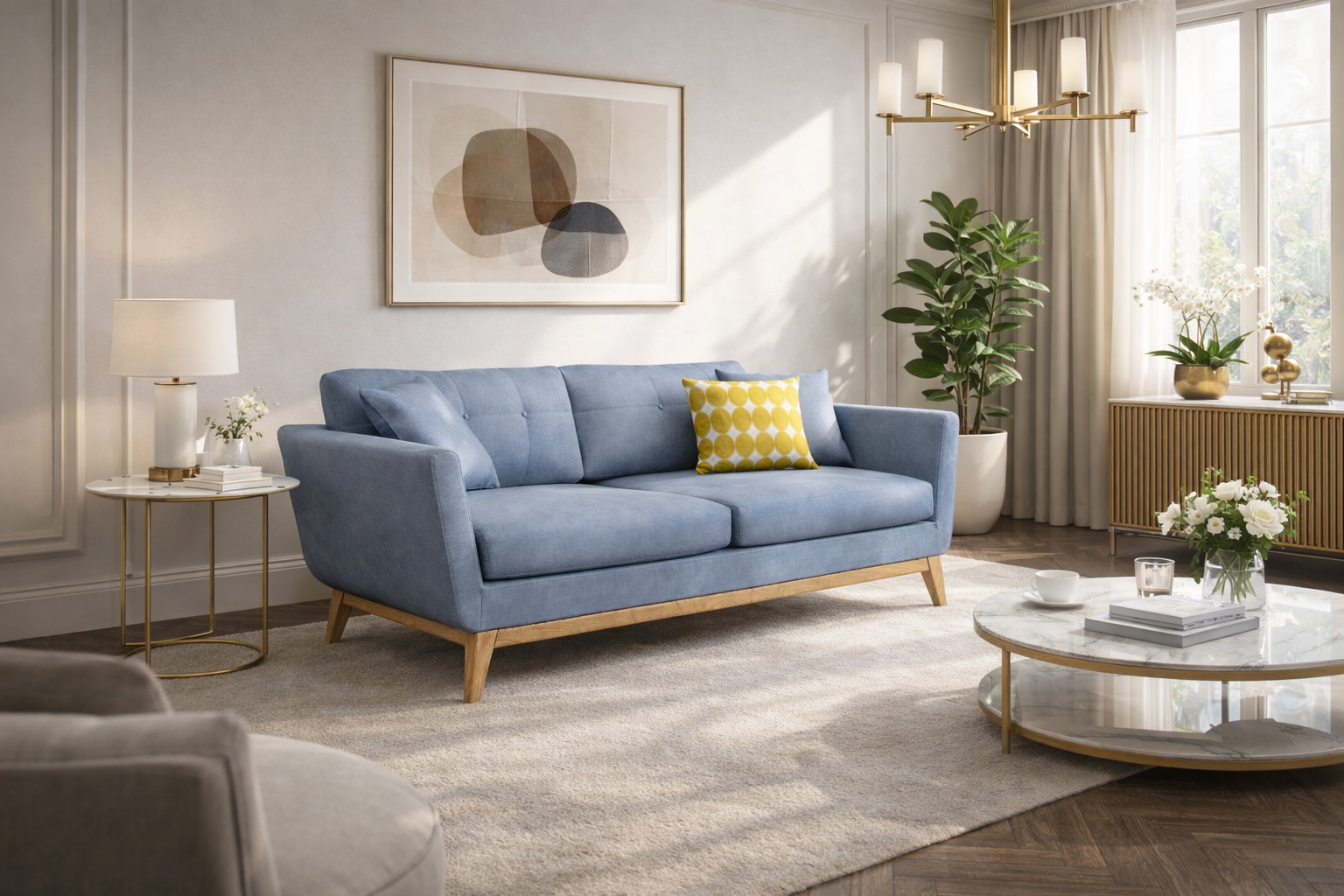
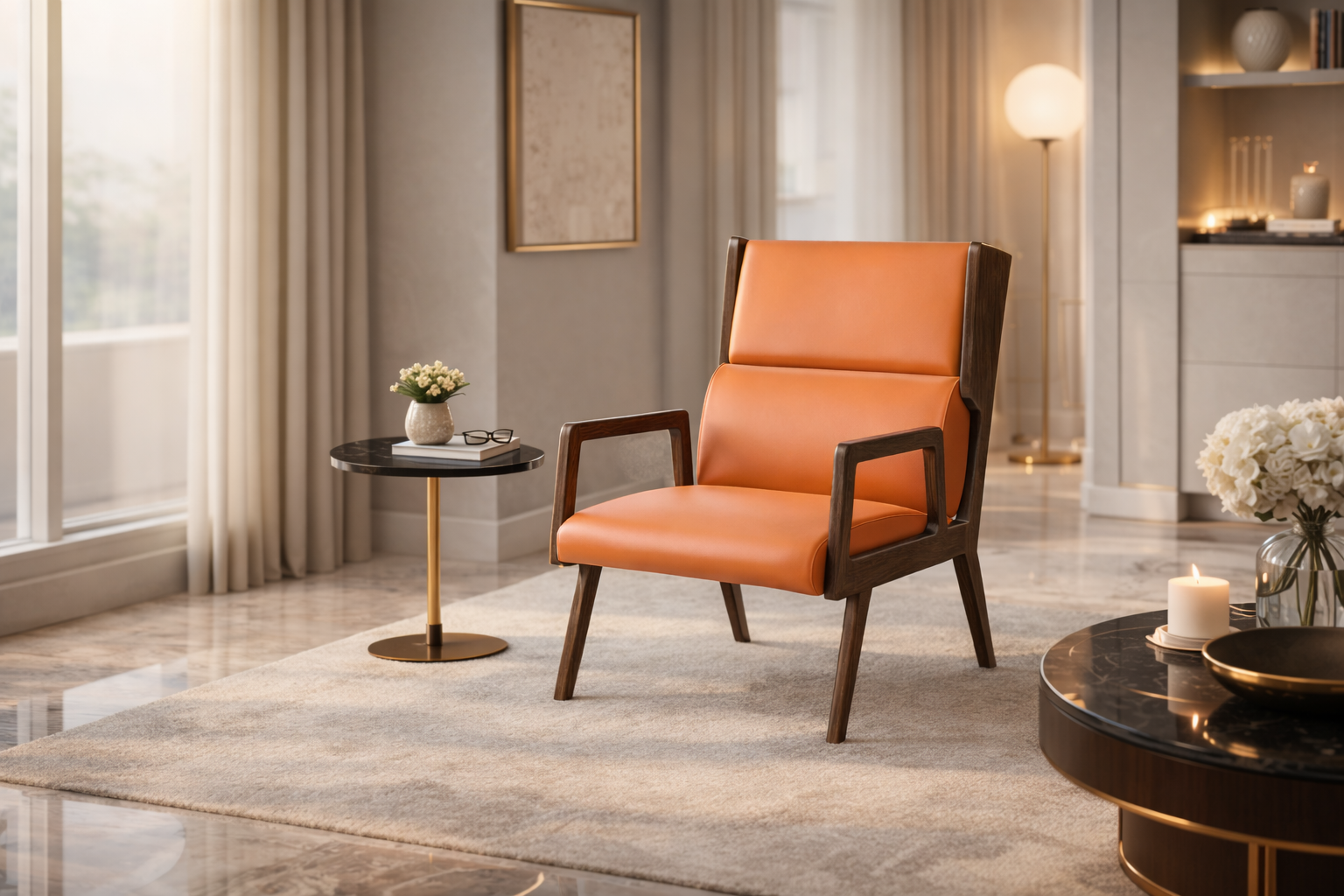
3D & AR Visualisation for Furniture Brands

Help customers see furniture in their own space before buying — on web, mobile, and showroom tablets.

How Furniture Brands Use ARBoost

A simple path from first pilot to rollout:

1

Add 3D & AR to a key catalog

Start with one high-impact category and enable 3D & AR viewing on those products.

Example: hero sofa or best-selling chair range.

2

Let shoppers explore variants

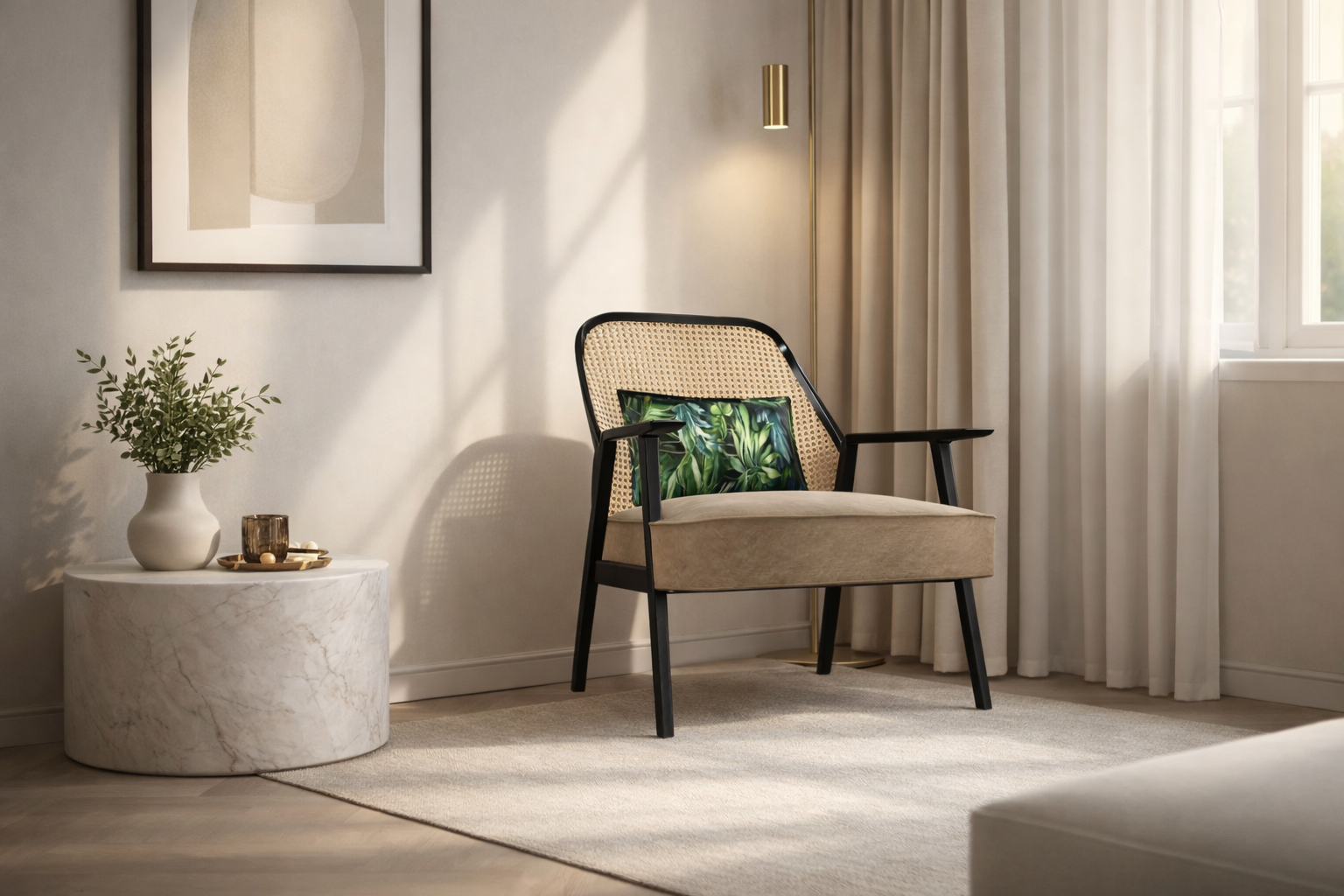
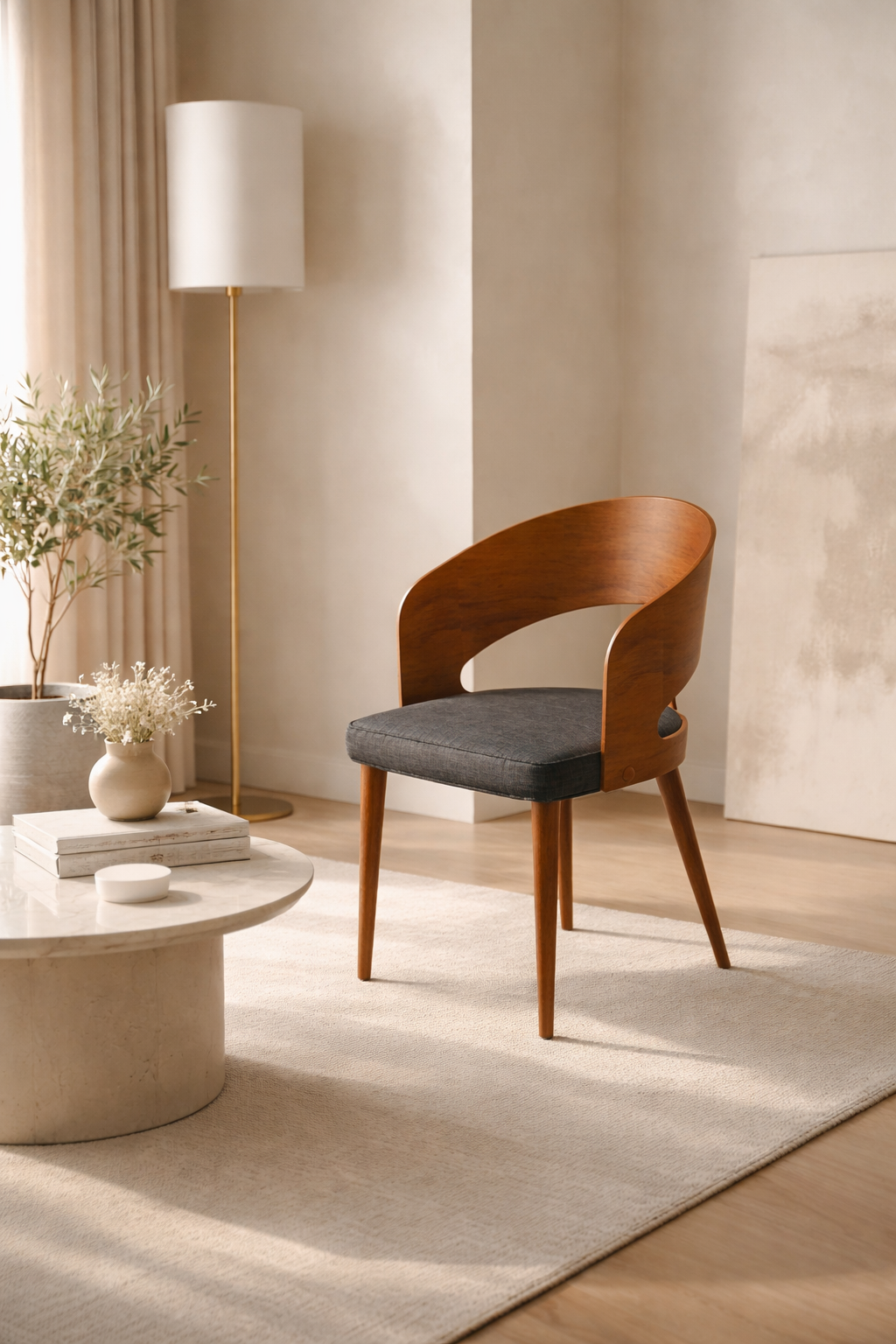
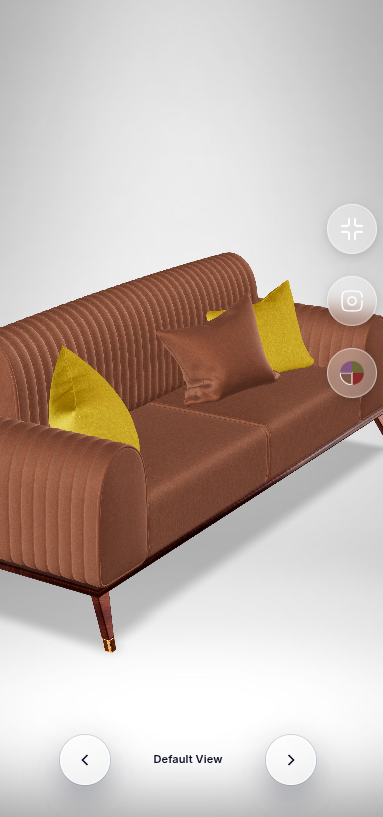
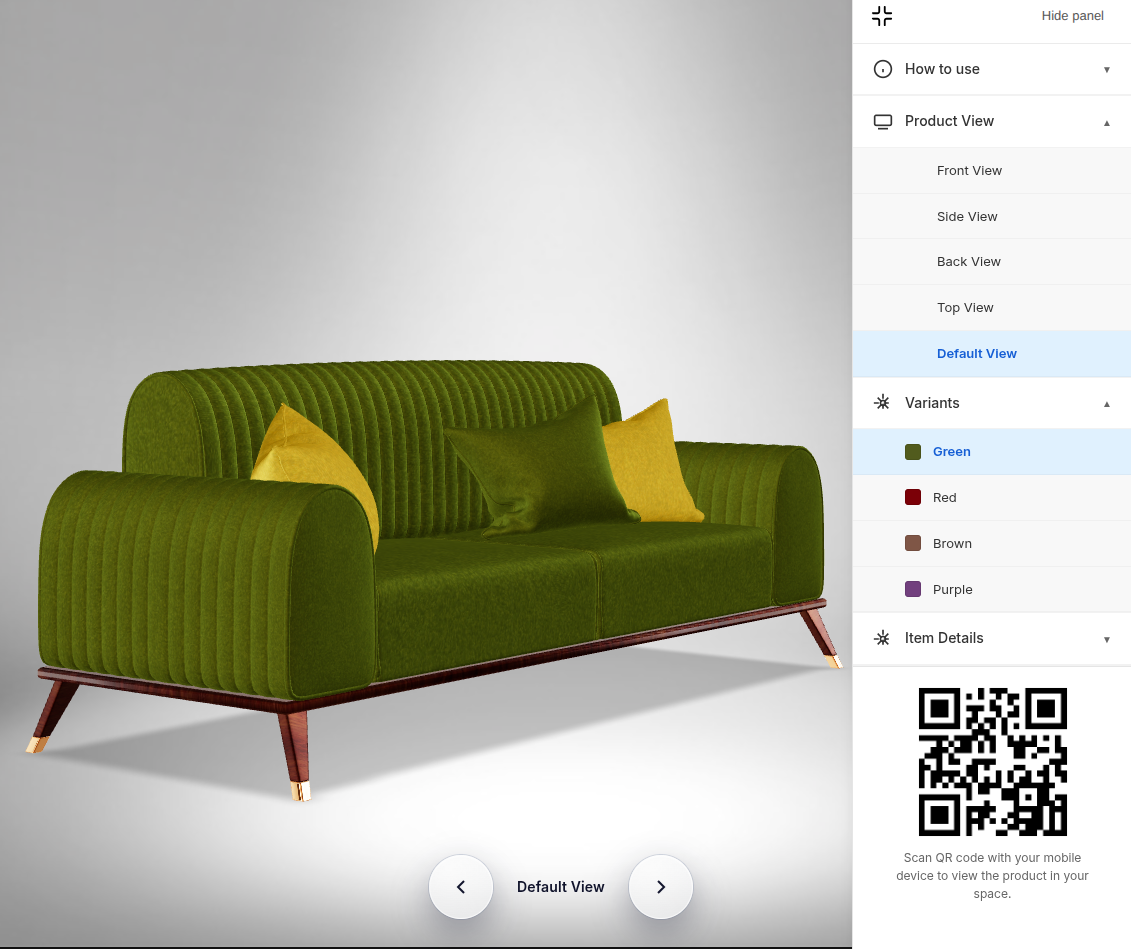
Use the 3D viewer so customers can flip through finishes, fabrics, and leg options.

One viewer, all your key variants in one place.

3

Turn on “view in your space”

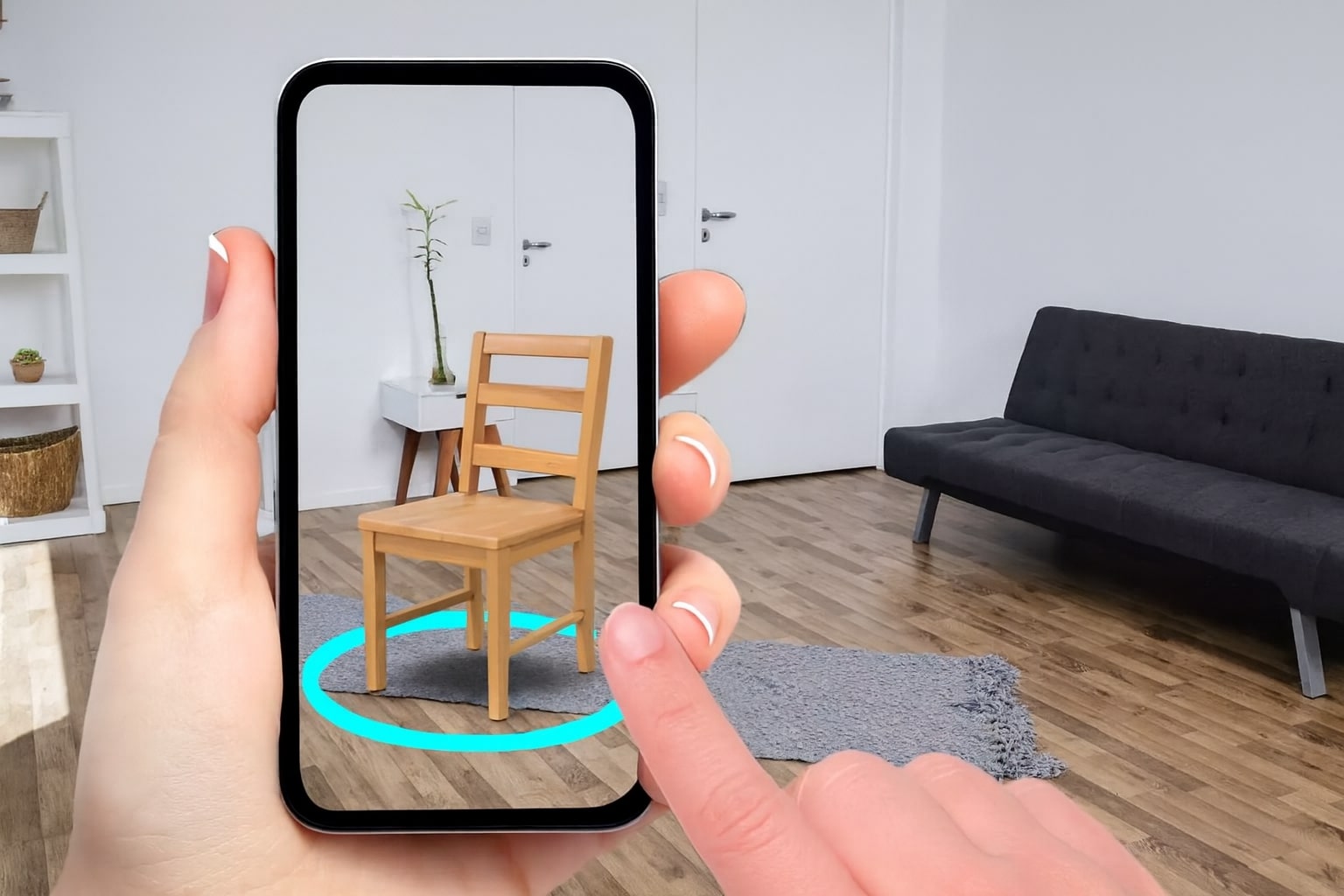
Add AR links or QR codes so buyers can place the product in their room in seconds.

Works from product pages, WhatsApp shares, and showroom tablets.

Augmented Reality for Furniture

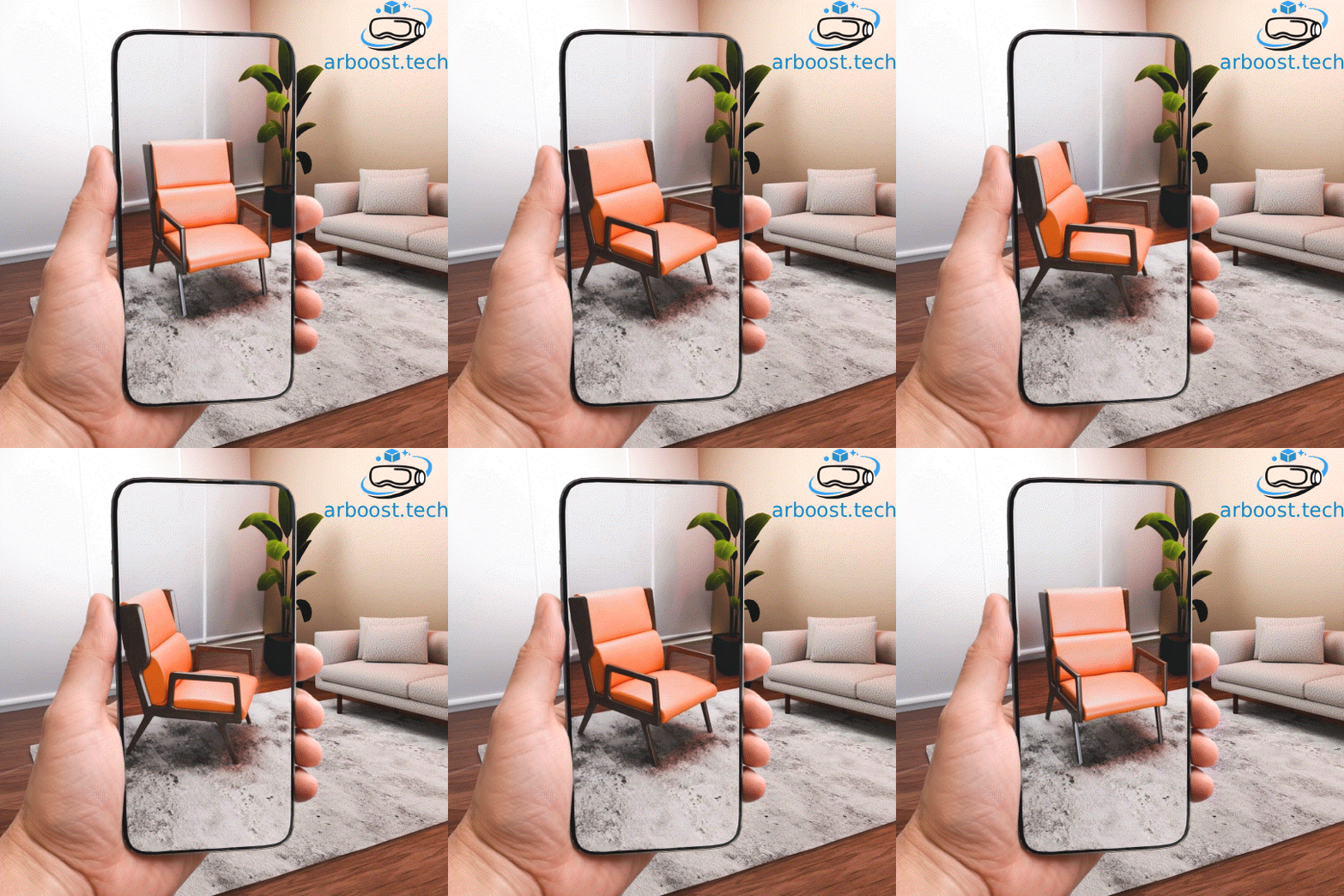
Let shoppers drop your sofas and chairs into their rooms in a few taps.

📱

View in Your Space

Place true-to-scale furniture in your room using your phone camera.

📏

True-to-Scale Placement

See if products actually fit the space before buying.

💡

Lighting & Shadows

Furniture reacts to real-world light so it looks natural in the room.

🔄

Real-Time Interaction

Move, rotate, and swap variants while customers are in AR mode.

AR Experience

AR on Tablet

Supported Platforms

iOS ✓ Supported
Android ✓ Supported

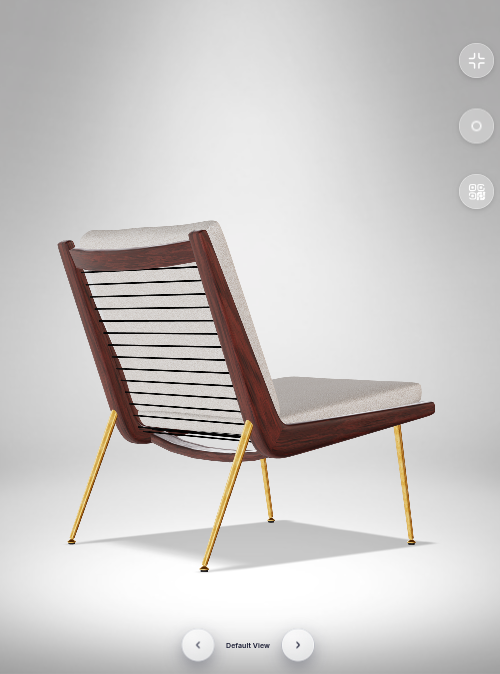
Interactive 3D Viewer

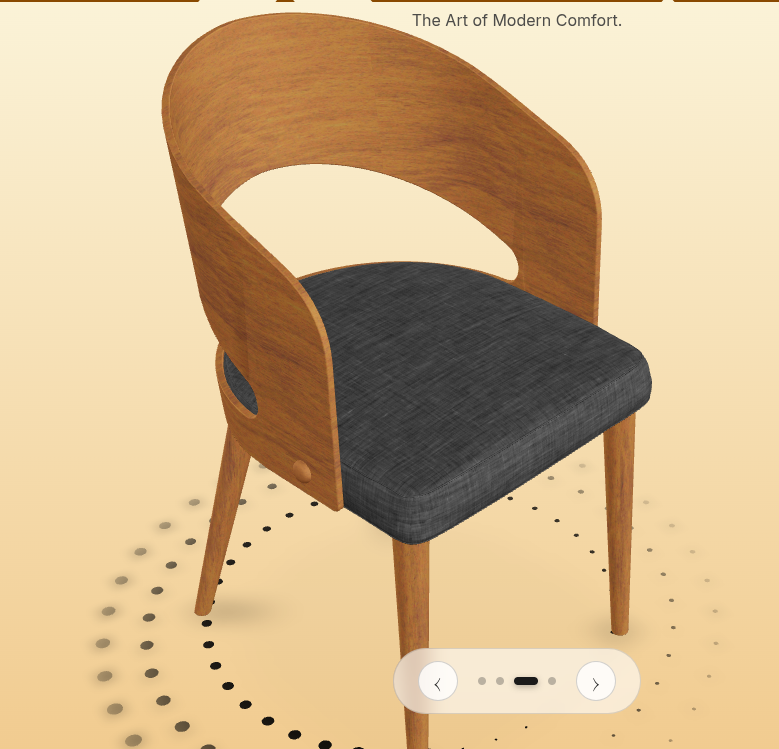
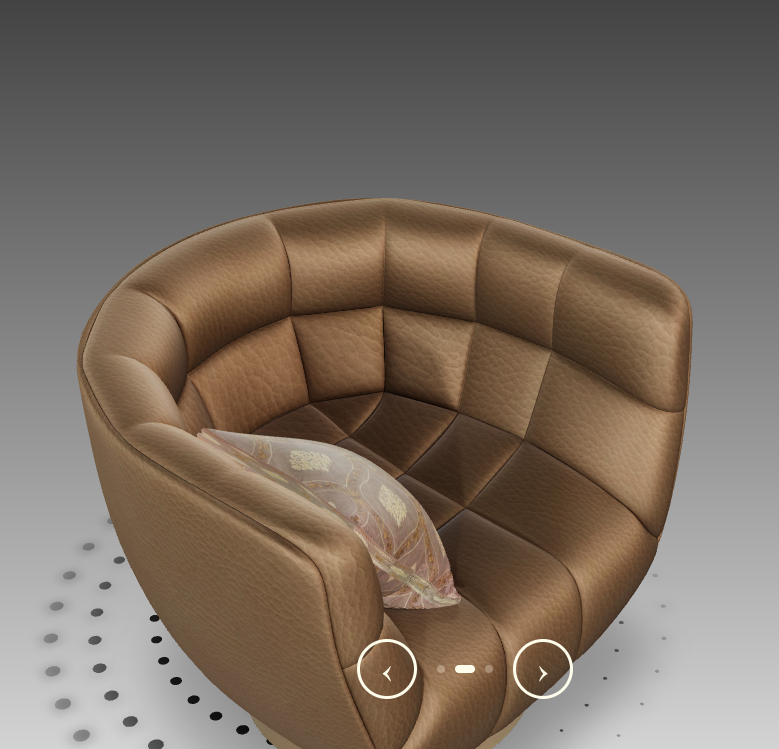
Let customers explore furniture in 3D from every angle on any device.

This is a concept demo showing how a furniture brand can present a product category using 3D & AR.

🎯

Interactive 3D Models

Rotate, zoom, and explore products with smooth, touch-friendly controls.

🎨

Multiple Variants

Switch between finishes and fabrics instantly to compare options.

🖼️

Fullscreen Mode

Let shoppers go fullscreen for a more immersive view.

High Performance

Fast-loading models that work across website, showroom tablets, and phones.

3D Viewer on All Devices

Experience our 3D viewer seamlessly across all screen sizes

Mobile 3D viewer

Mobile View

Tablet 3D viewer

Tablet View

Desktop 3D viewer

Desktop View

🔷 ROI & Business Value

Why Furniture Brands Invest in 3D & AR

📈

Higher Conversion Rates

Shoppers who use 3D & AR are more confident and more likely to buy.

📦

Lower Product Returns

Seeing fit and scale at home means fewer “this doesn’t work in my room” returns.

⏱️

Higher Engagement Time

Customers spend longer on pages when they can play with 3D and AR.

Better Brand Perception

AR positions your furniture brand as modern, premium, and easy to buy from.

Leading Brands Using AR

Major brands are leveraging AR to drive sales and enhance customer experience

IKEA

IKEA Place app allows customers to visualize furniture in their homes using AR.

View Study →

Amazon

Amazon's AR View feature lets customers see products in their space before purchasing.

View Study →

Wayfair

Wayfair's AR feature shows 3D models of furniture in customers' rooms, reducing returns by 30%.

View Study →

Research shows that brands implementing AR see significant improvements in conversion rates and customer satisfaction.

📊 Higher Conversion
⏱️ More Engagement
📉 Fewer Returns

Trusted by Industry Leaders

🏪

Furniture Retailers

🏢

Interior Designers

🏭

Manufacturers

🛒

E-commerce Platforms

Collection Showcases

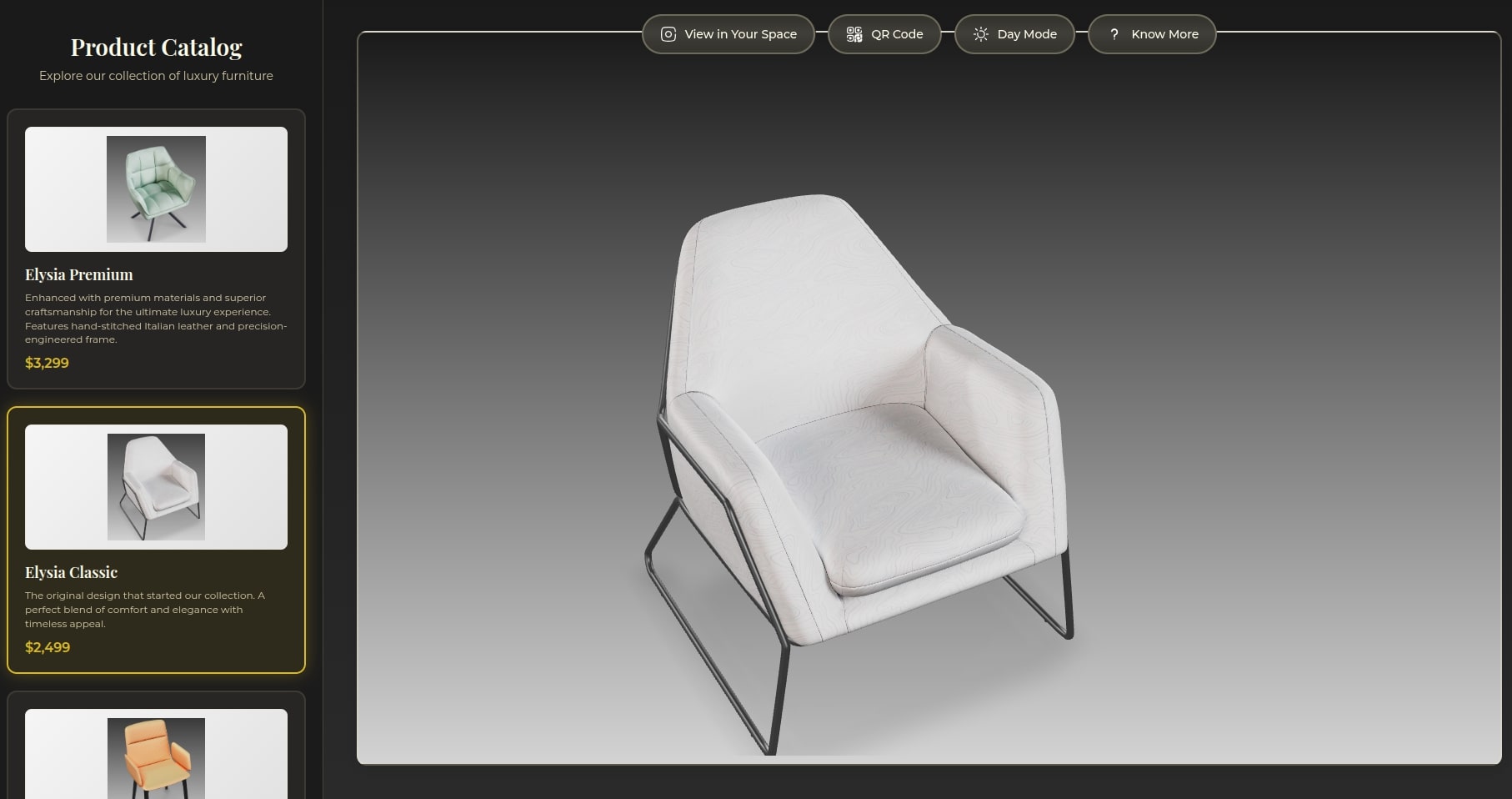
Dedicated showcase pages with unique styling for each collection, featuring interactive 3D viewers and AR capabilities

Upcoming Features

A peek at ideas we’re testing with partners.

Catalog View
📚

Catalog View

Browse full furniture catalogs in 3D — concept stage.

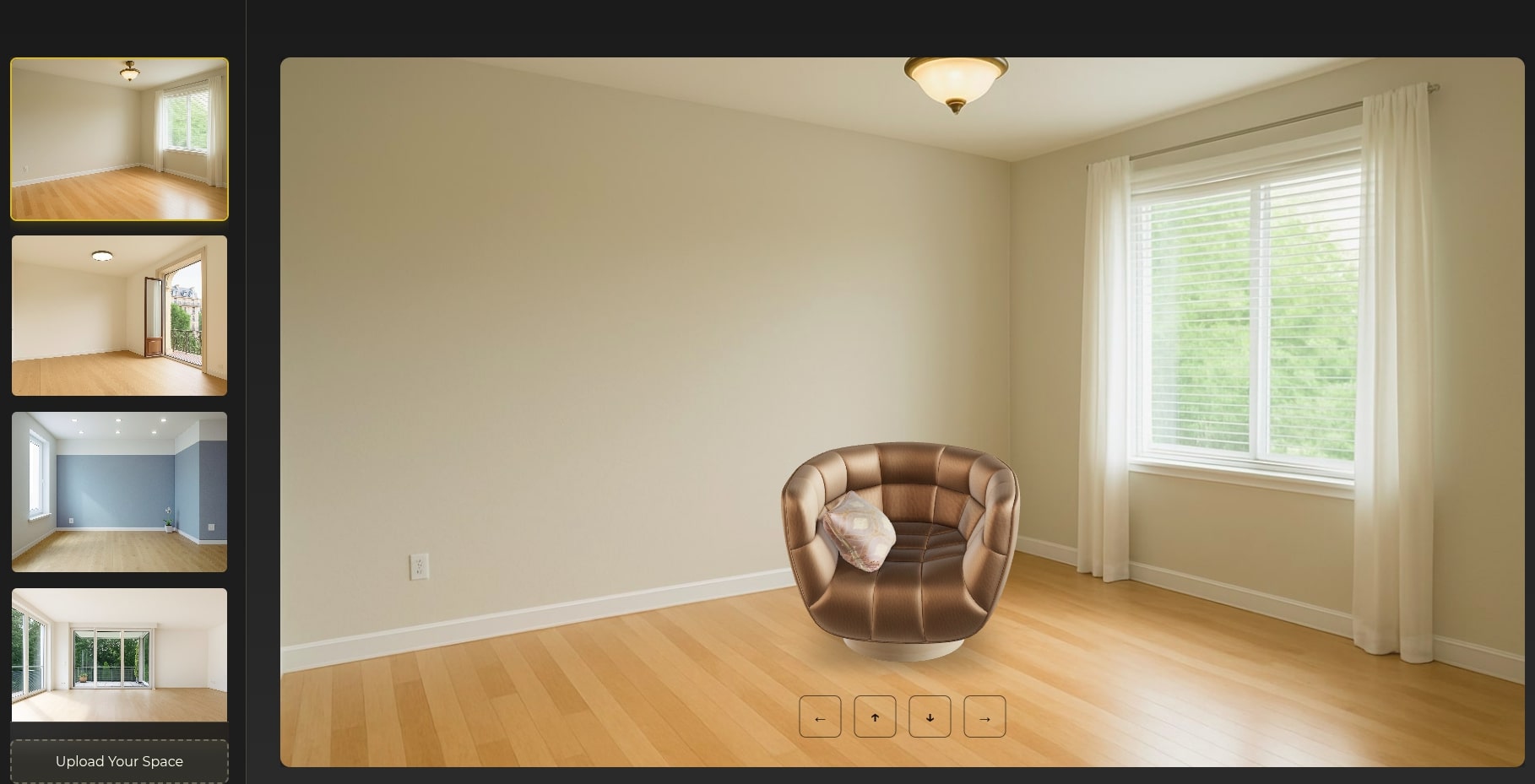
Check in Your Space
🏠

Check in Your Space

Test AI‑assisted placement on room photos — concept stage.

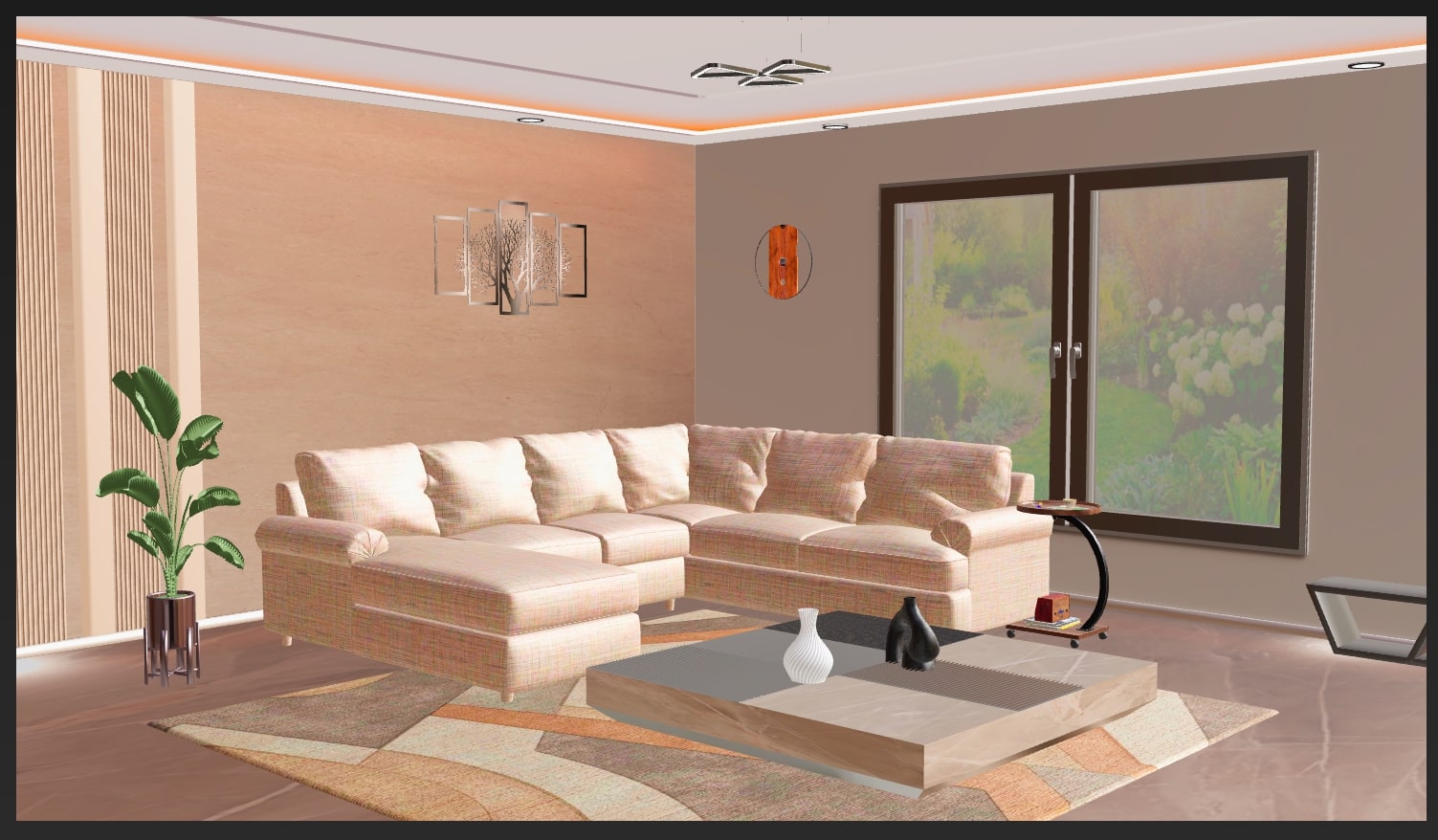
3D Room Viewer
🏡

3D Room Viewer

Explore full 3D rooms for styling inspiration — concept stage.

Why Furniture Brands Work with Us

Built to plug into your existing product pages, catalogs, and showrooms.

High-Quality 3D Assets

Photoreal 3D assets tuned specifically for furniture and interiors.

High-Grade Compression

Fast loading on 4G and showroom Wi‑Fi without sacrificing visual quality.

🔌

Easy Integration

Drop a few lines of code into existing pages and start testing with one category.

Simple Integration Example

<!-- Include tool.js -->
<script src="https://usdc-testing.s3.us-east-1.amazonaws.com/tool.js"></script>

<!-- Add container -->
<div id="my-viewer" style="width: 100%; height: 600px;"></div>

<!-- Initialize -->
<script>
  initModelViewer({
    containerId: 'my-viewer',
    modelId: 'chair1',
    enableAR: true,
    enableFullscreen: true
  });
</script>

Try Quick Demo → View full integration guide →

Book a Pilot Demo

Share your furniture category and we’ll walk you through a focused ARBoost pilot.

Write a mail to

contact@arboost.tech

to connect